
Recurring inspections for buildings, facilities and equipment
Recurring facility inspections, from field records to reports
Assign facility schedules and inspectors. Record answers and photos on mobile, review completion and history, and download inspection reports.
Keep track of missed inspections and scattered records



Inspection checklists and industry workflows
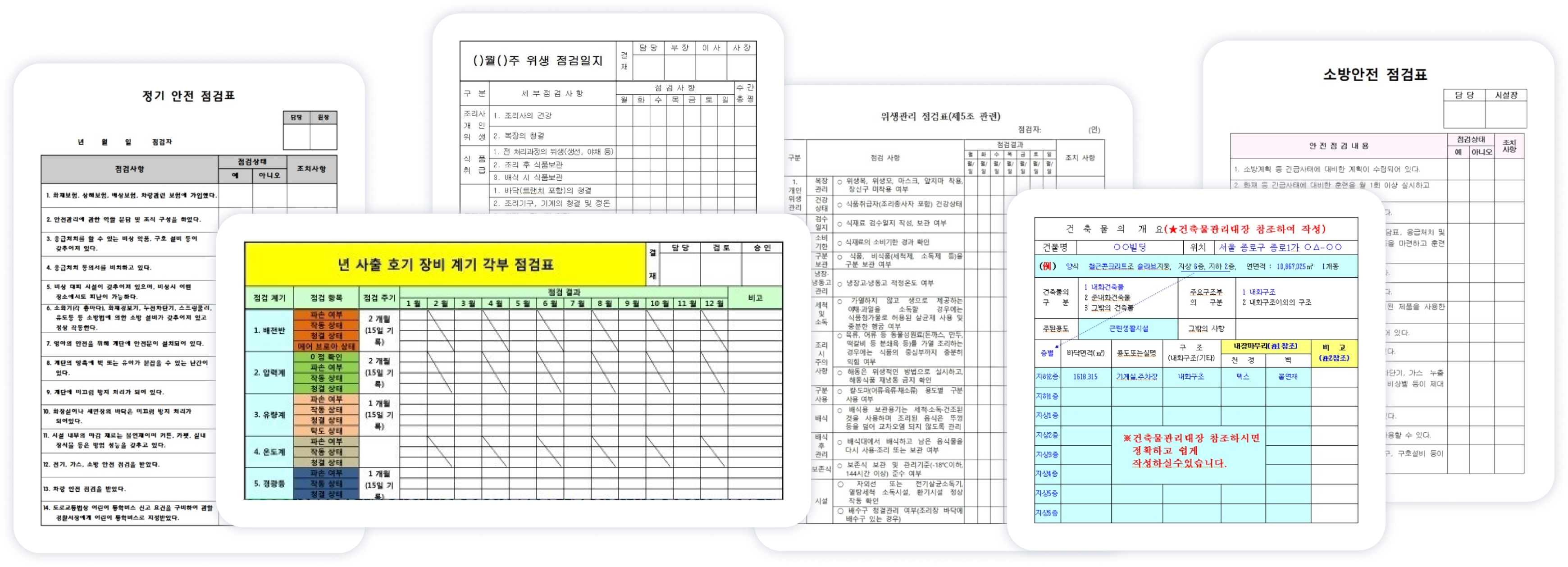
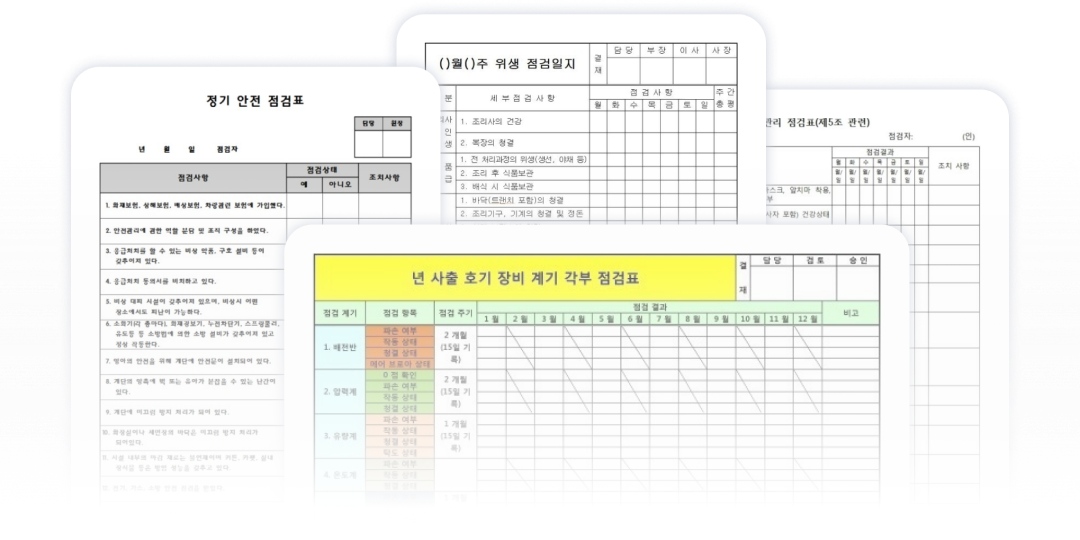
Start with the inspection forms your field team needs
See how manufacturing, facility management, and construction teams use Touch Check, together with their commonly used inspection templates.
Manufacturing and factory inspections
Standardize routine equipment checks and safety patrols, then track corrective action.
See how it worksBuilding and facility management
Combine recurring facility checks and patrol records to manage leaks, damage, and failure history.
See how it worksConstruction site safety
Record safety findings, photos, and unresolved hazards on mobile at the jobsite.
See how it worksConnect checklist creation to evidence and reporting
STEP 1
Prepare your inspection checklist
Use your existing paper or Excel items to configure answer types and photo requirements. You can also generate a draft from an inspection purpose with AI, then review and edit it for your site.
STEP 2
Schedule and assign inspections
Set daily, weekly, or monthly cycles and assign inspectors by facility so every planned inspection has a clear owner.
STEP 3
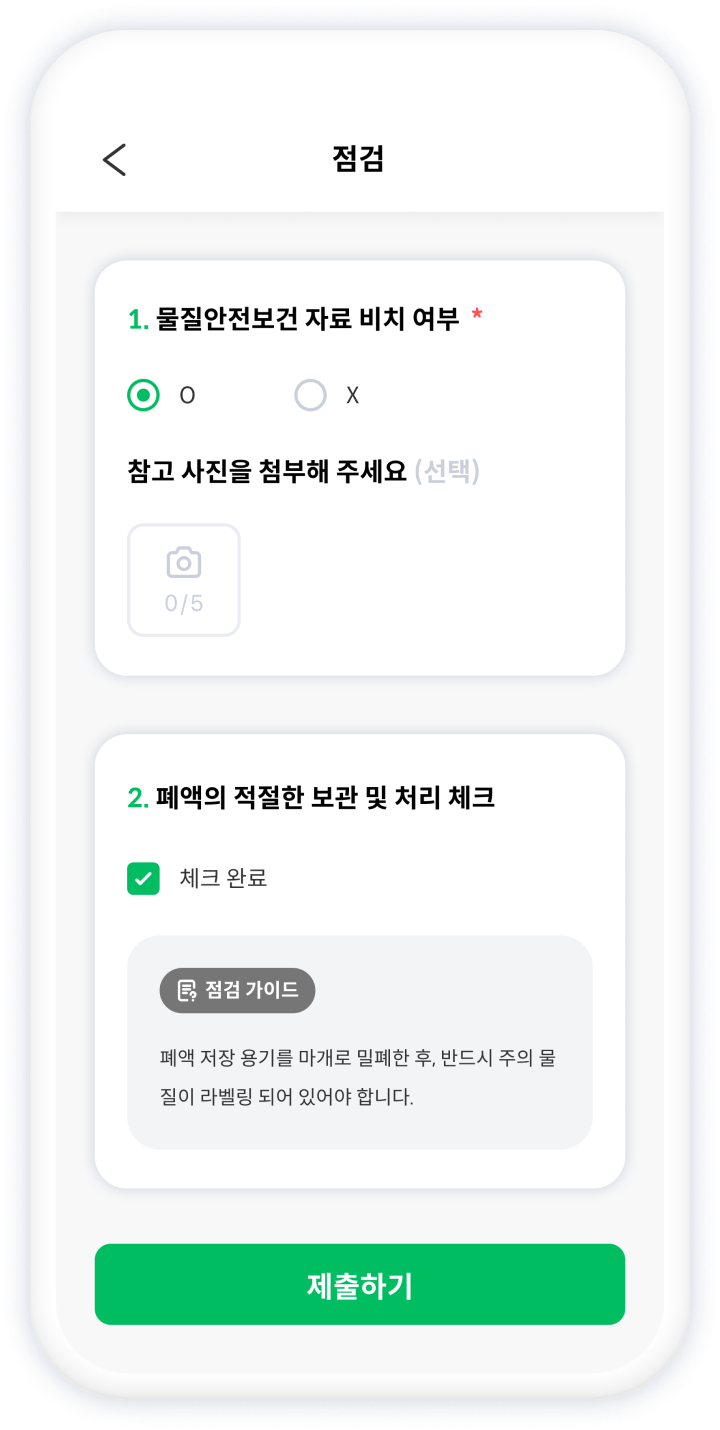
Run mobile field inspections
Inspectors download assigned schedules in advance, then record answers, photos, and issues even without an internet connection.
STEP 4
Manage status and history
Managers use calendar and matrix views to review every schedule, then track synced status, history, missed work, and exceptions.
STEP 5
Download reports and PDFs
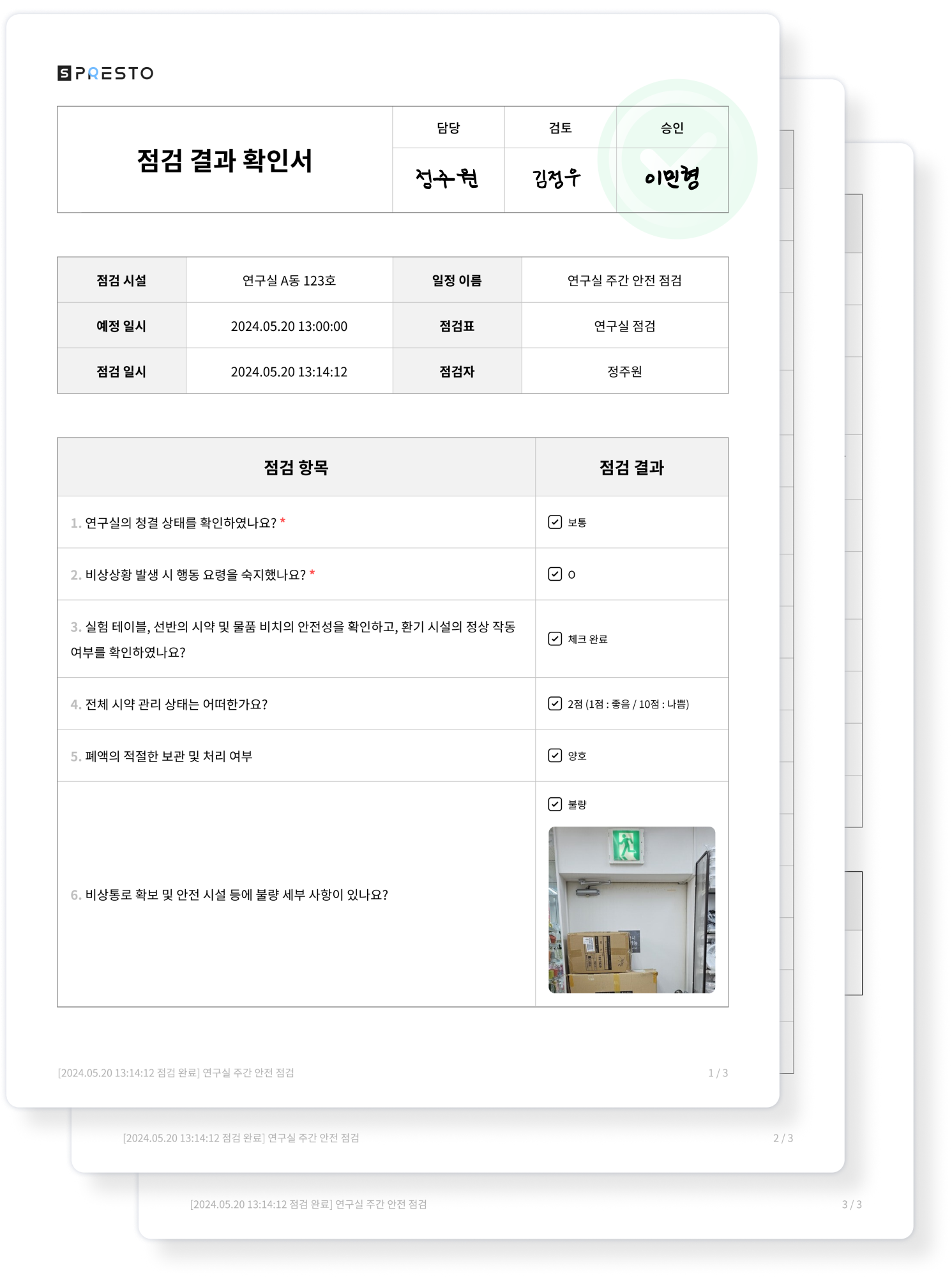
Save completed results as inspection reports for evidence, sharing, storage, internal reporting, and audits.

Inspector App
Check assigned inspections on mobile and record answers and photos
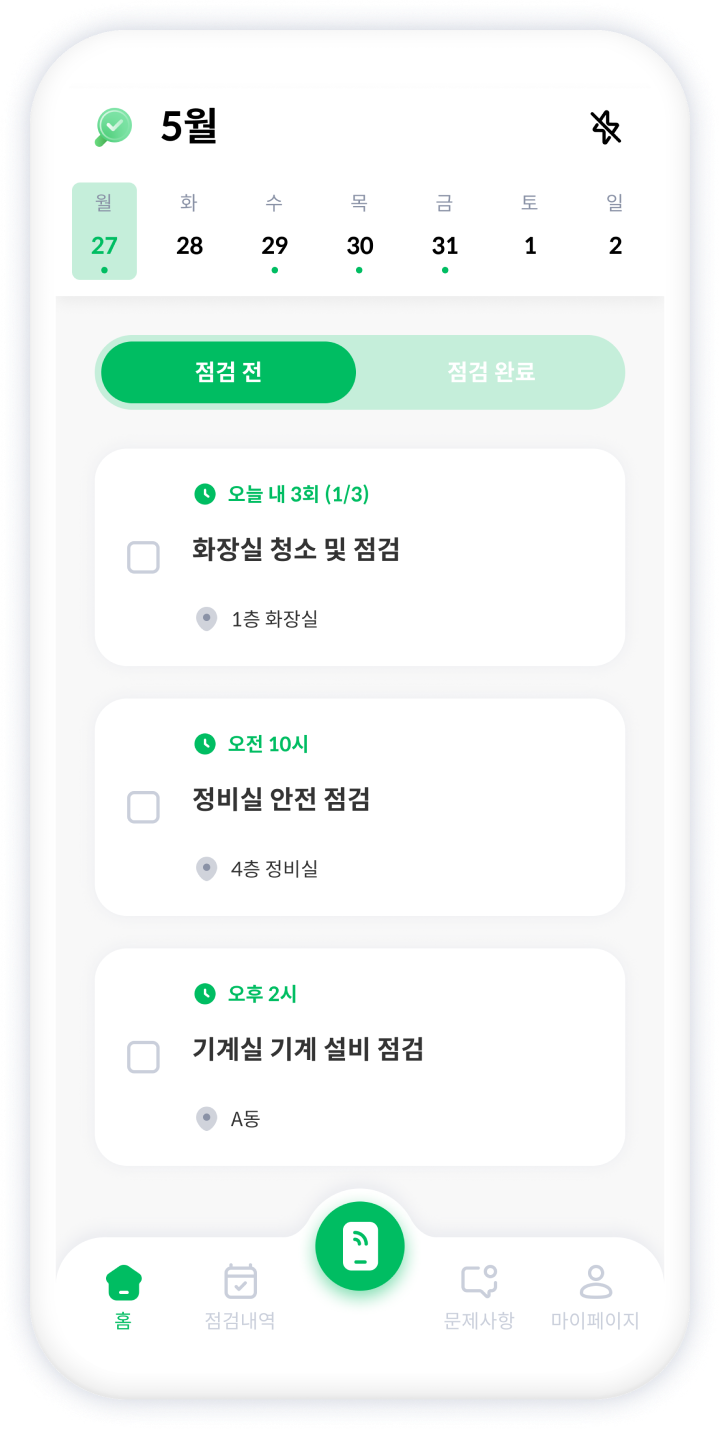


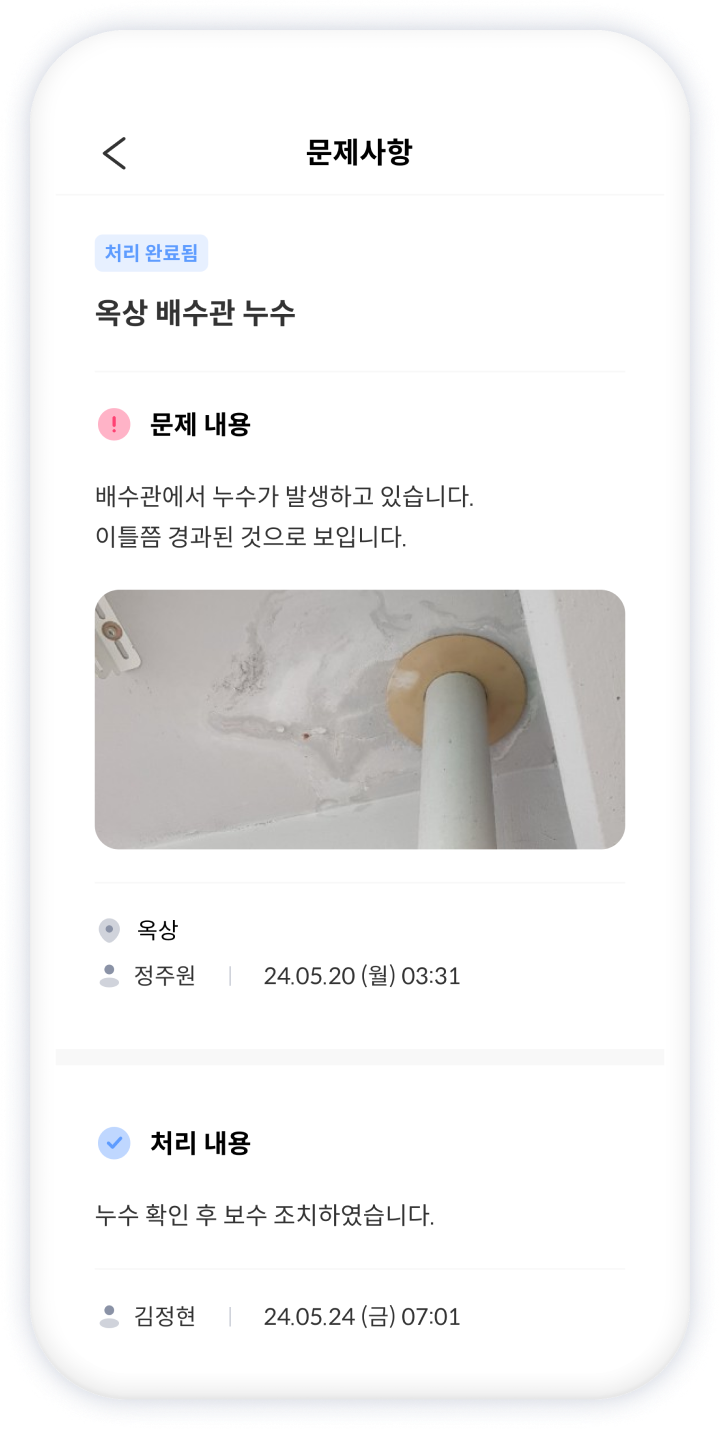

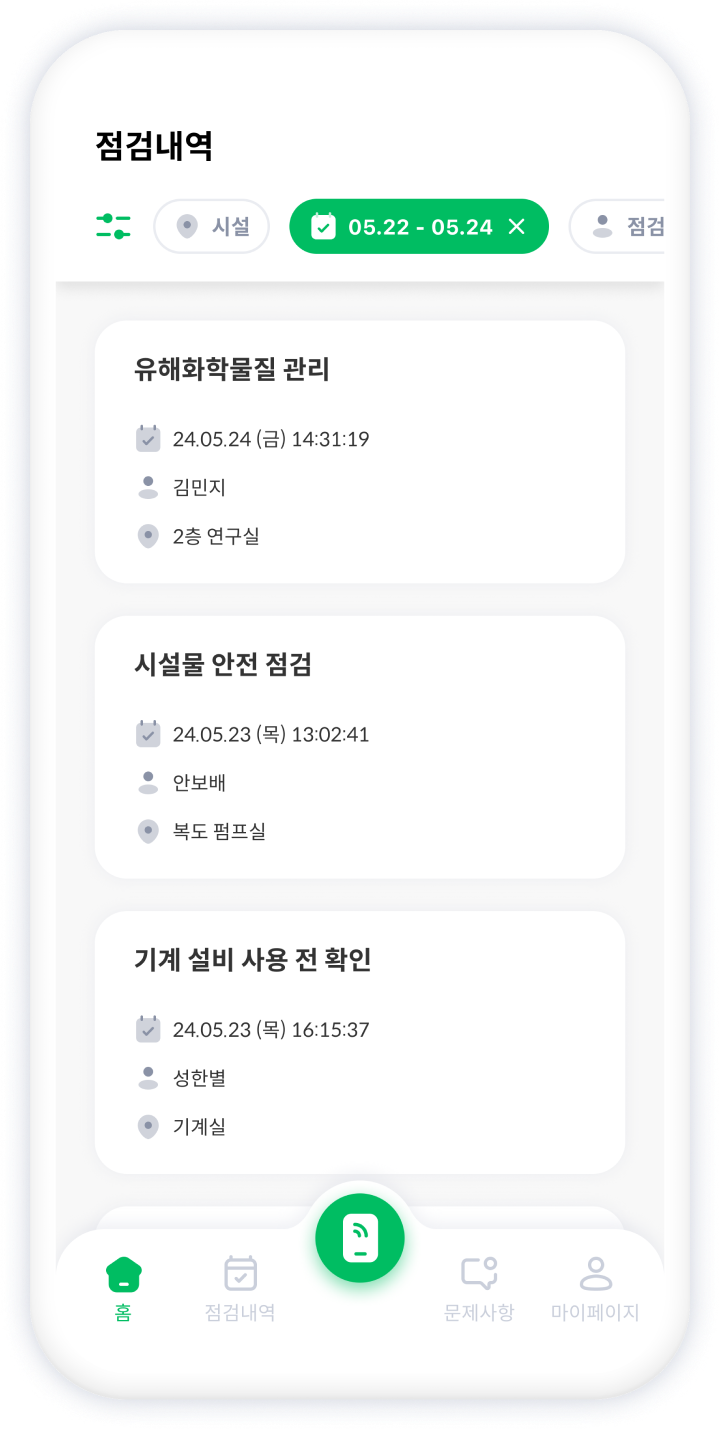

Today schedule

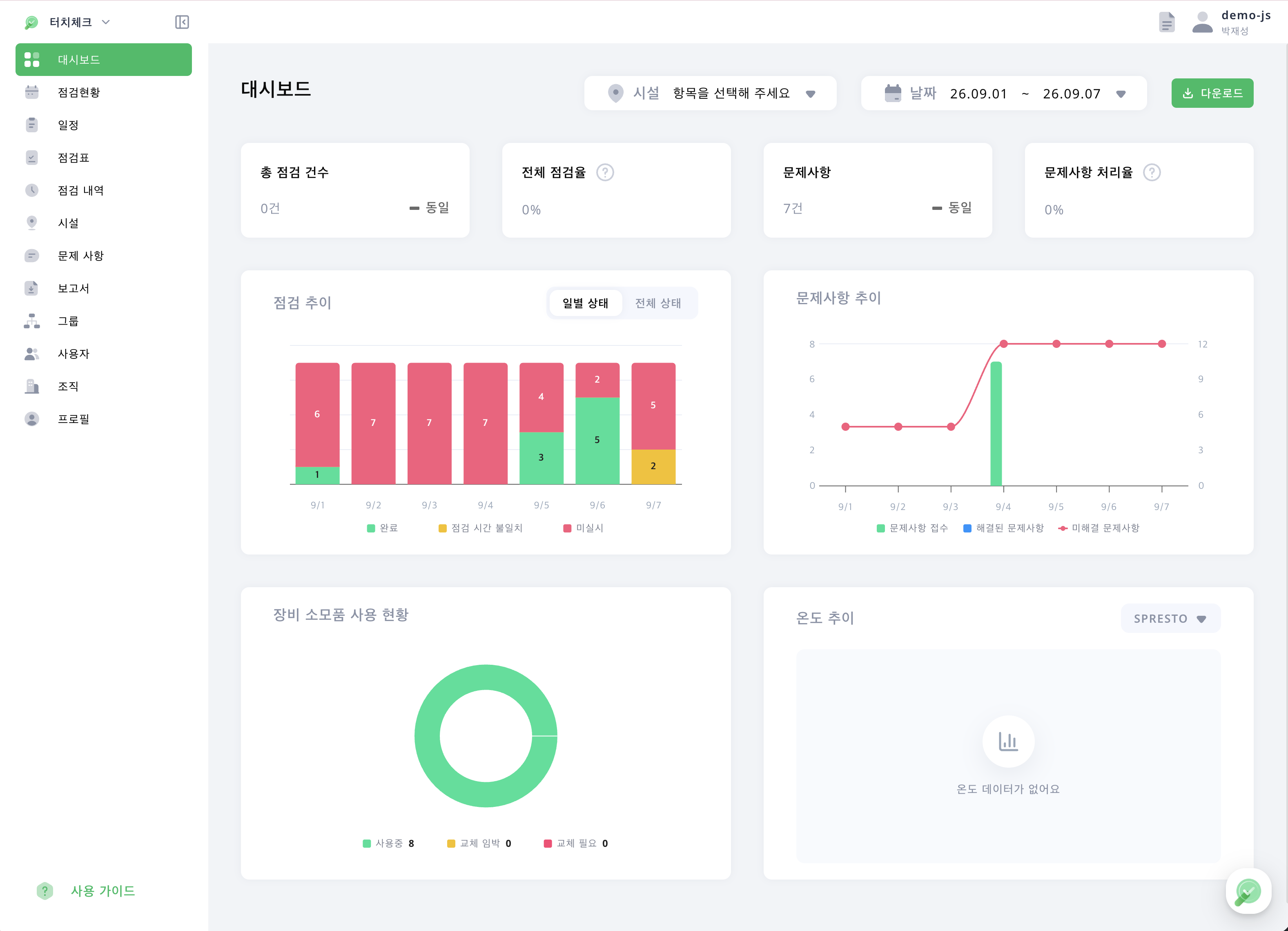
Manager status and history view
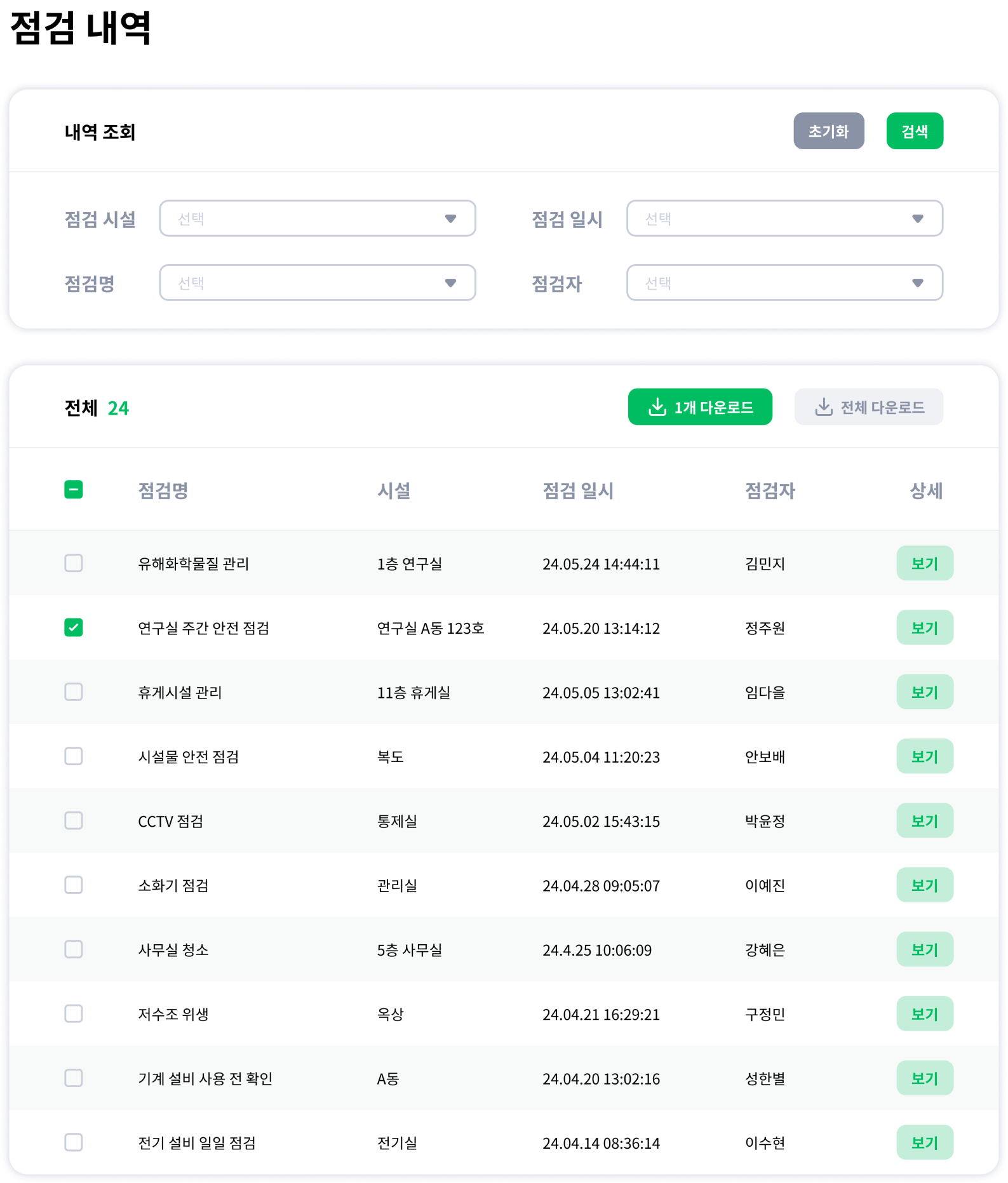
Review facility inspection status and history in one place

Inspection report download
Download completed inspection results as reports or PDFs
From checklist preparation to facility inspection setup
Download a Korean fire extinguisher checklist in Excel, or visit our Korean blog for instructions and other formats. Explore scheduling, records and pricing for recurring inspections across your facilities.